How Christ University Gave 10,000 Students 24/7 Printing Access with Quantan
A partner story: how Christ University Bangalore deployed Quantan self-service printing kiosks on campus, eliminated queues at the print shop, and gave students around-the-clock printing access.
The Problem: Long Queues, Limited Hours, Unsecured File Sharing
With over 10,000 students across undergraduate and postgraduate programmes, Christ University Bangalore faced a daily printing bottleneck that many large campuses recognise: a single on-campus print counter staffed for 10 hours a day, students sharing files via WhatsApp groups with the shop's number, and long queues during morning and pre-submission rushes.
During exam season, wait times at the print counter exceeded 30 minutes. Students living in campus hostels had zero printing access after 8 PM. Files sent to the print shop WhatsApp number sat in a shared inbox that any staff member could view — raising real privacy concerns for students printing sensitive documents.
The Solution: Two Quantan Kiosks, Placed Strategically
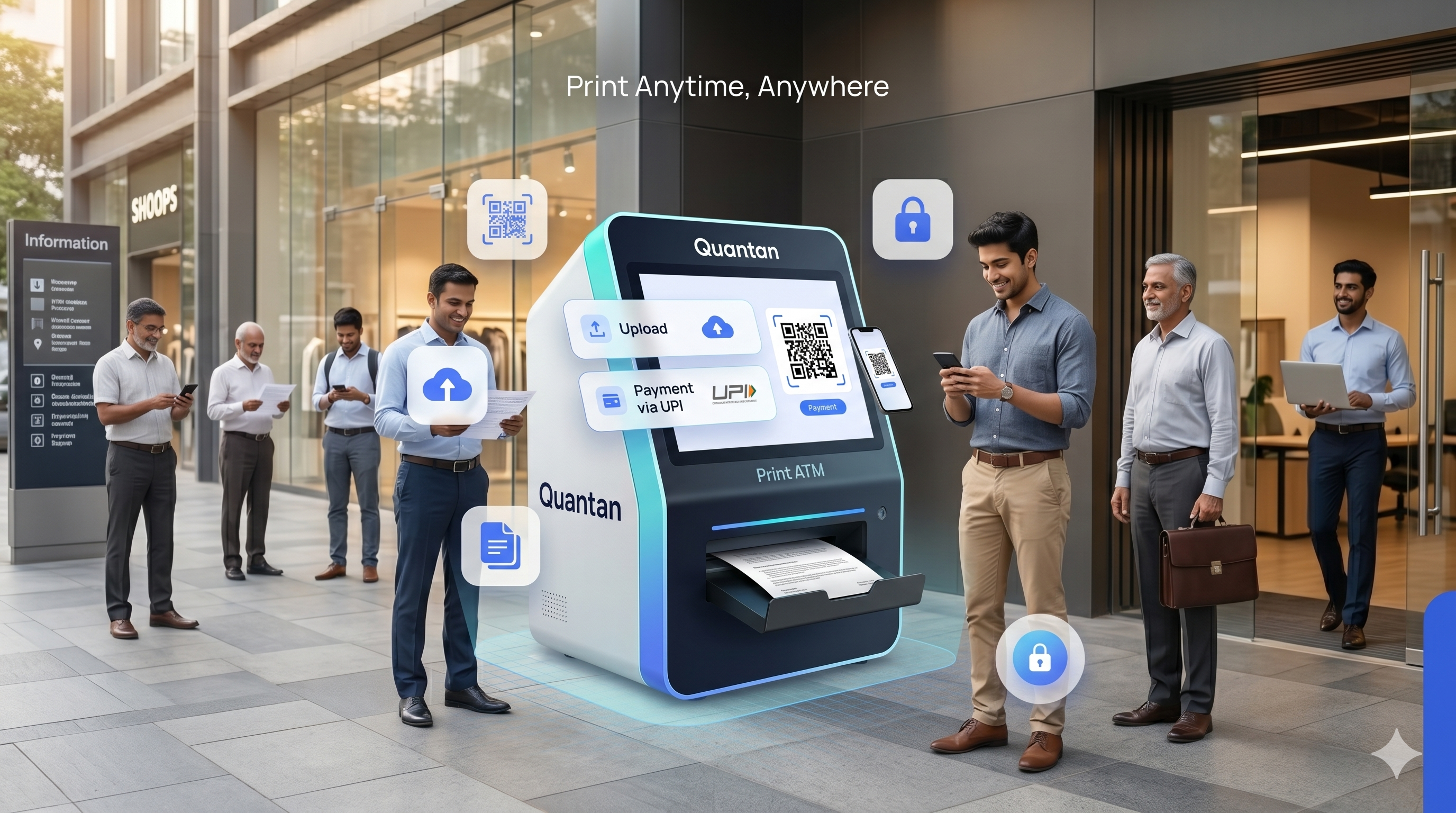
After evaluating the campus layout and footfall patterns, Quantan deployed two self-service printing kiosks: one adjacent to the main library entrance and one inside the residential hostel block. Both kiosks were configured with Quantan's full software stack — QR-based upload, UPI payment gateway, encrypted file transfer, and remote monitoring.
- Kiosk 1: Library entrance — serving day scholars and academic document needs
- Kiosk 2: Hostel common room — serving residential students 24 / 7
- Both kiosks connected to the campus-wide Quantan dashboard
- Pricing set by campus administration; kiosk partner keeps 100% of print revenue after Quantan's flat 3% platform fee
Implementation: From Approval to Live in 11 Days
The university administration team approved the deployment after a 45-minute product walkthrough. Physical installation of both kiosks — including printer, enclosure, and network connectivity — was completed within two days. Software configuration, pricing setup, and staff training on the dashboard took an additional three days. Both kiosks went live within 11 days of approval.
Results: 6 Months After Deployment
Six months after deployment, the Quantan dashboard provided a clear picture of impact:
| Metric | Before Quantan | After Quantan |
|---|---|---|
| Daily print jobs (combined) | 300–400 | 620–750 |
| Peak-hour wait time | 25–35 minutes | Under 3 minutes |
| Printing hours available | 10 AM – 8 PM | 24 / 7 |
| File sharing method | WhatsApp (unsecured) | Encrypted QR upload |
| Operator staff required | 2 full-time | 1 part-time (for paper/toner only) |
| Monthly revenue (partner) | N/A | ₹58,000 avg. |
"Students now walk up, scan, upload, pay, and collect — it's completely seamless. We've had zero complaints about file privacy since the kiosks went in."
— Campus IT Administrator, Christ University Bangalore
Key Takeaways for Other Institutions
- Two kiosks serving 10,000 students is sufficient when placed at high-traffic nodes
- Hostel placement captures demand that campus-day kiosks entirely miss
- Encrypted upload removes the biggest student objection — privacy — immediately
- A partner operator managing the kiosks remotely via Quantan dashboard requires less than 2 hours of active attention per week
Deploy Quantan Kiosks on Your Campus
Join the growing network of Indian universities and colleges offering 24/7 self-service printing to their students.
Contact QuantanElevate Your Print Business
Ready to see how our automation solutions can transform your daily operations and boost your bottom line?