How a Self-Service Printing Kiosk Works: A Step-by-Step Guide
Discover exactly how a Quantan self-service printing kiosk works — from scanning the QR code to collecting your printout — in seven simple steps.
7 Steps to Get Started
Scan the QR Code
Every Quantan kiosk displays a unique QR code on its screen and housing. Open your phone camera, scan the code, and you are instantly taken to the Quantan upload portal — no app download required.
Upload Your Document
Select a file from your phone's storage, Google Drive, WhatsApp, or any cloud source. Quantan accepts PDF, DOCX, JPG, PNG, and PPTX. Files are encrypted in transit and never stored beyond your session.
Choose Your Print Settings
Select page size (A4, A3, Legal), colour or black-and-white, single or double-sided, and the number of copies. The system shows you a live price before you confirm.
Pay Digitally
Tap your preferred UPI app — Google Pay, PhonePe, Paytm, or any BHIM-UPI app — and approve the payment. The transaction is confirmed in real time; the kiosk receives the print signal within seconds.
Document Joins the Queue
Once payment is confirmed, your job is added to the kiosk's local print queue. If the kiosk is connected to a managed printer, the operator's Quantan dashboard also shows the incoming job for hybrid deployments.
The Kiosk Prints
The Quantan software sends the job to the connected printer with your exact settings applied. High-volume industrial printers handle multiple jobs in sequence without manual intervention.
Collect Your Printout
Your document emerges from the printer output tray, ready to collect. Your uploaded file is deleted from the Quantan system immediately after printing is confirmed — protecting your privacy.
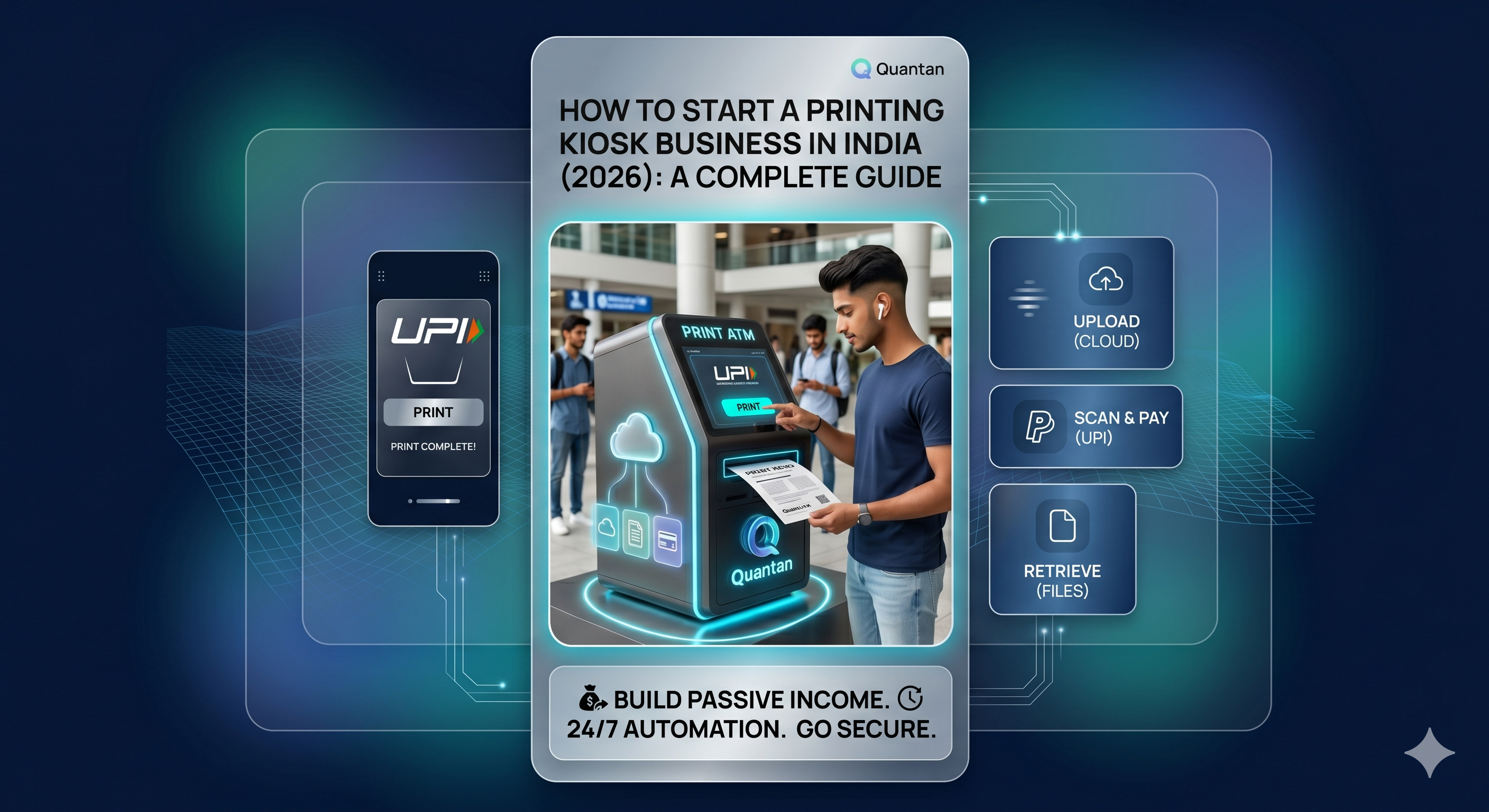
A self-service printing kiosk — or Print ATM — lets anyone walk up, upload a document from their phone, pay digitally, and collect a printout in under two minutes. No operator. No USB drive. No WhatsApp file sharing. Here is exactly how the Quantan kiosk handles each step.
Why the Quantan Kiosk Workflow Beats Traditional Print Shops
| Factor | Quantan Kiosk | Traditional Print Shop |
|---|---|---|
| Availability | 24 / 7 | Business hours only |
| File transfer | Encrypted cloud upload | WhatsApp / USB (unsecured) |
| Payment | Integrated UPI | Manual cash or QR |
| Wait time | Under 2 minutes | Depends on queue |
| Privacy | File deleted after print | File may remain on operator's PC |
| Operator needed | No | Yes |
Ready to Deploy a Print ATM?
Talk to the Quantan team about kiosk deployment for your college, office, or public space.
Request a DemoElevate Your Print Business
Ready to see how our automation solutions can transform your daily operations and boost your bottom line?